Your Android.
On Mac & Windows.
No cable.
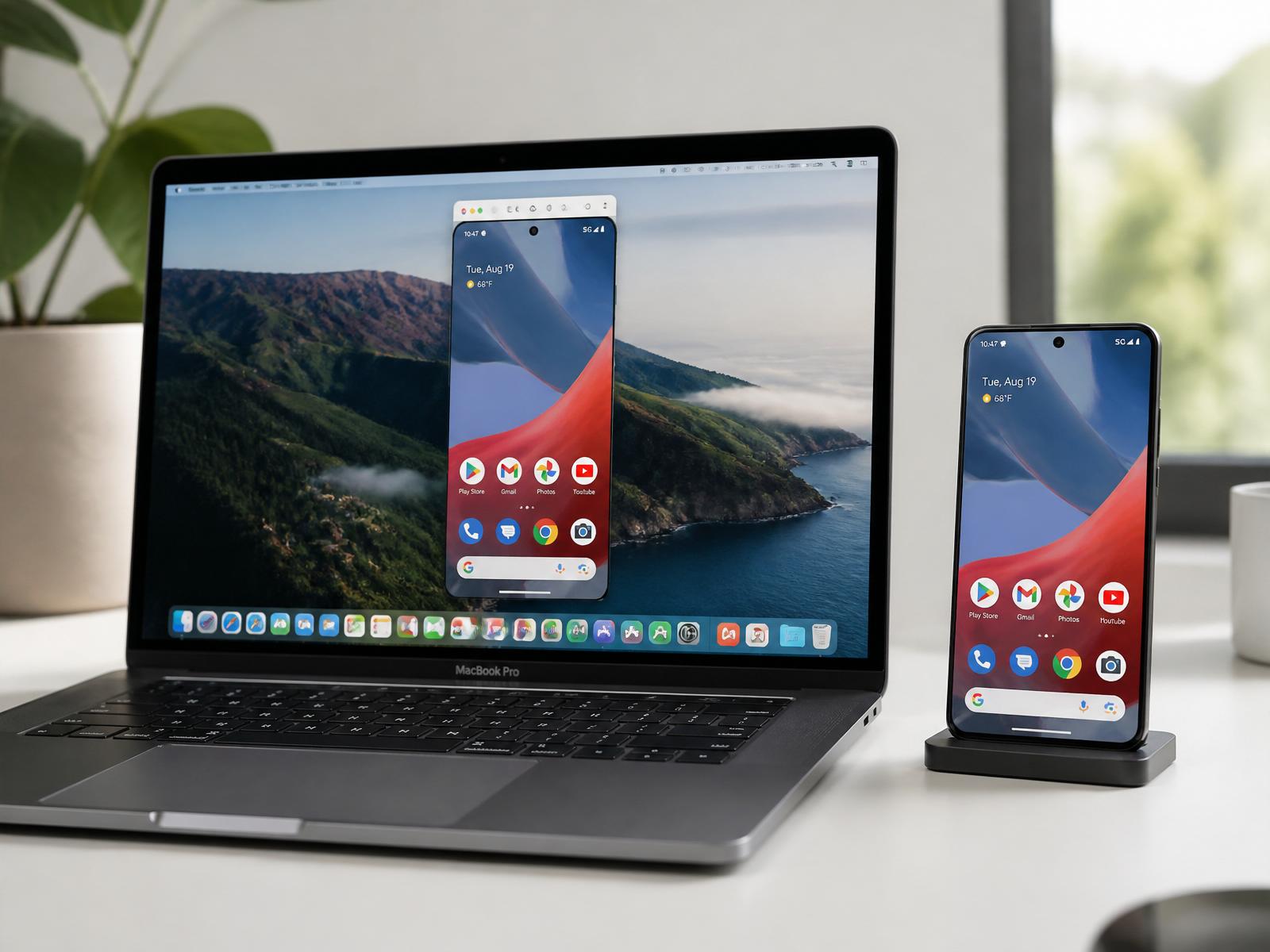
PocketPane mirrors and controls your Android phone straight from your Mac or Windows PC over Wi-Fi — screen, audio, clipboard, files. No terminal, no account, no cloud. Just you, your phone and your network.
- 0
- cloud accounts
- 100%
- local
- MIT
- open source
// features
A tool that respects your time.
PocketPane brings Android onto your Mac without forcing a new mental model on you — and without letting your data leave your Wi-Fi.
/// Automatic
Finds your phone on its own
PocketPane detects pairing and connection ports on your Wi-Fi automatically. No typing IP addresses.
/// Control
Full control from your Mac
Keyboard, trackpad, clipboard and drag & drop work both ways between Mac and Android.
/// Present
Virtual displays & recording
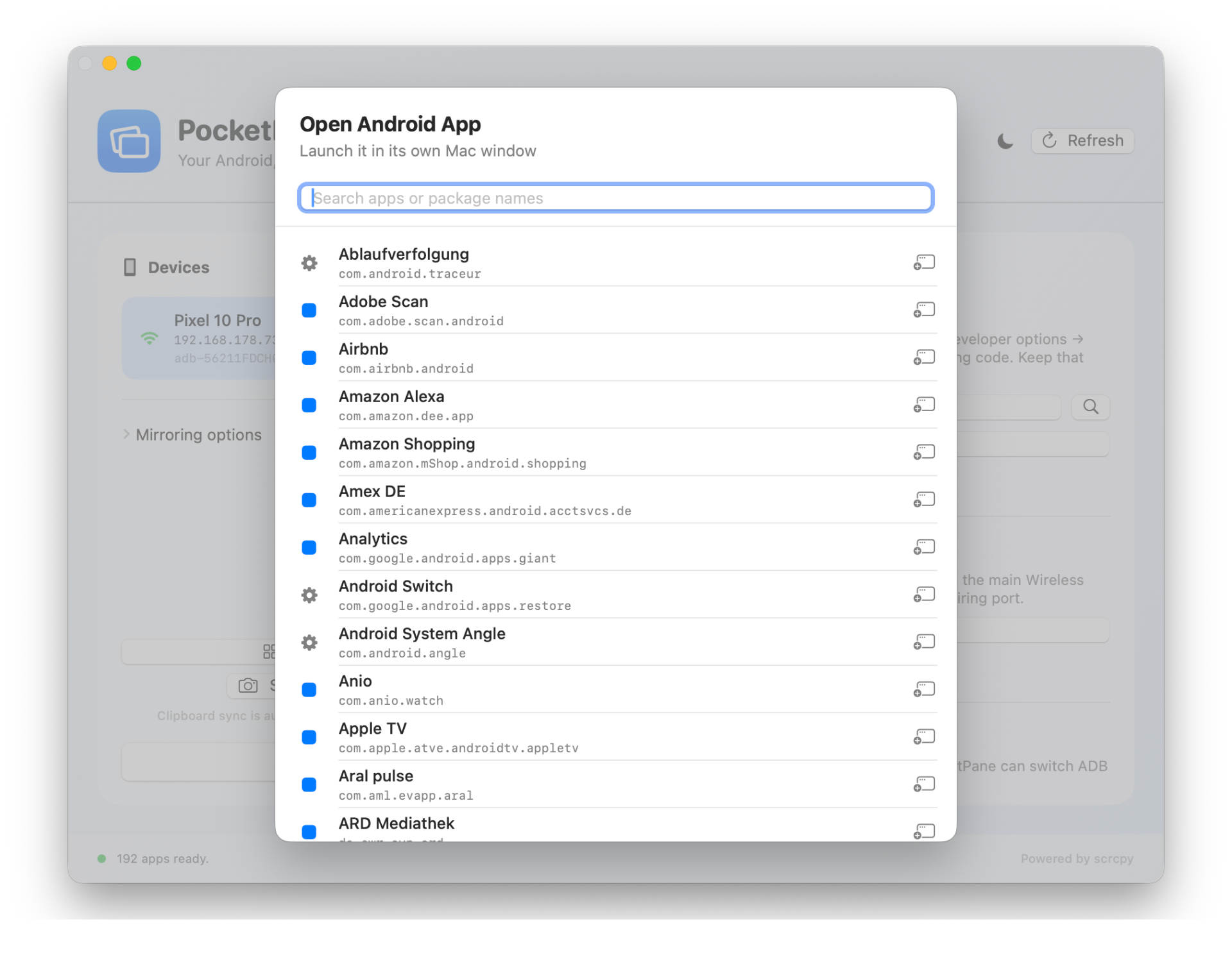
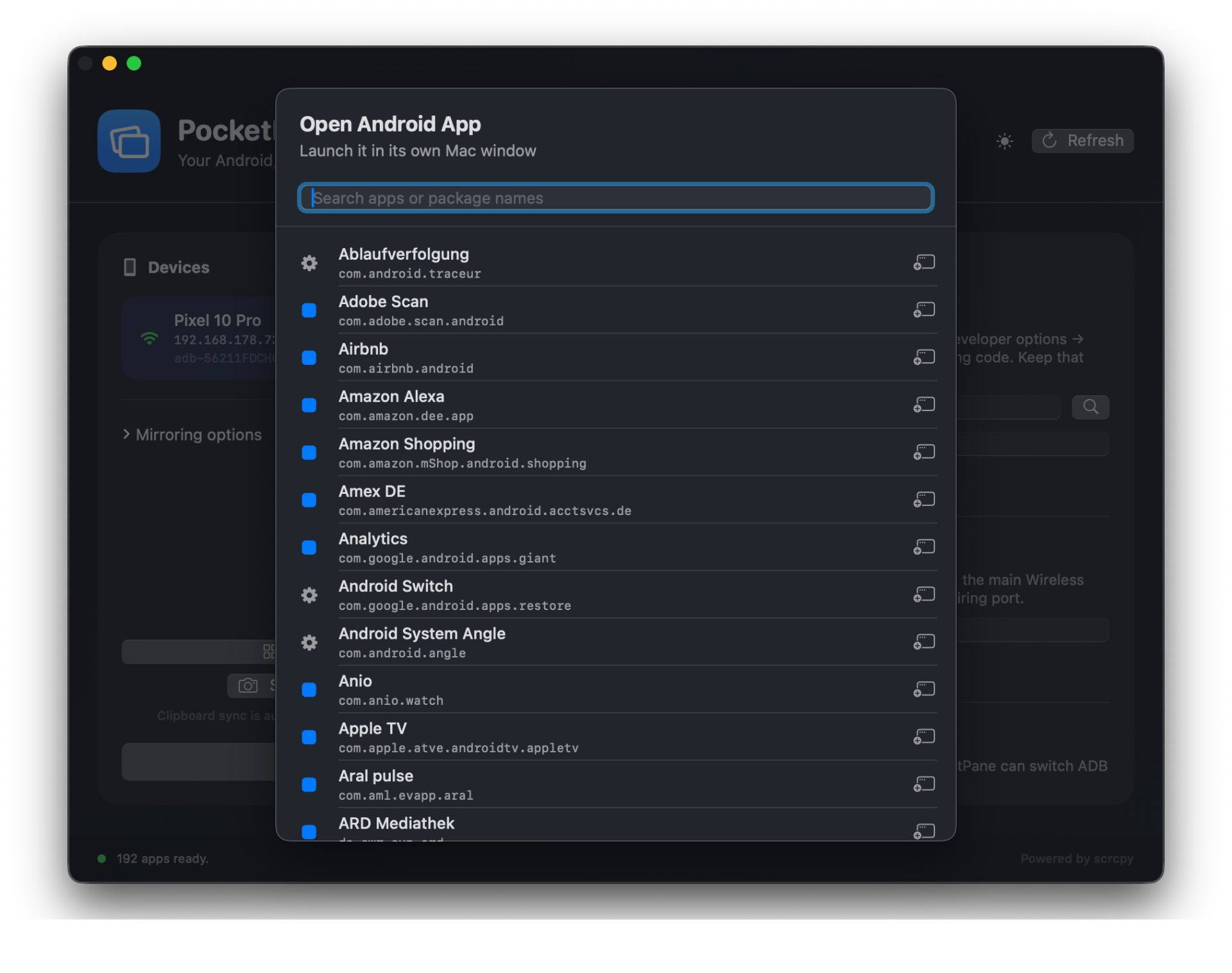
Launch Android apps in their own windows, mirror in fullscreen and record locally — perfect for demos.
/// Privacy
Everything stays with you
No tracking, no account, no background server. Screen, audio and files never leave your Wi-Fi.
/// Native
Feels native on Mac and Windows
SwiftUI on macOS, WPF on Windows. Light and dark mode, native dialogs. No Electron, no Java.
/// Open
MIT licensed
The full source is on GitHub. scrcpy is fetched from the official source and verified with SHA-256 at build time.
// in action
This is what it looks like day to day.
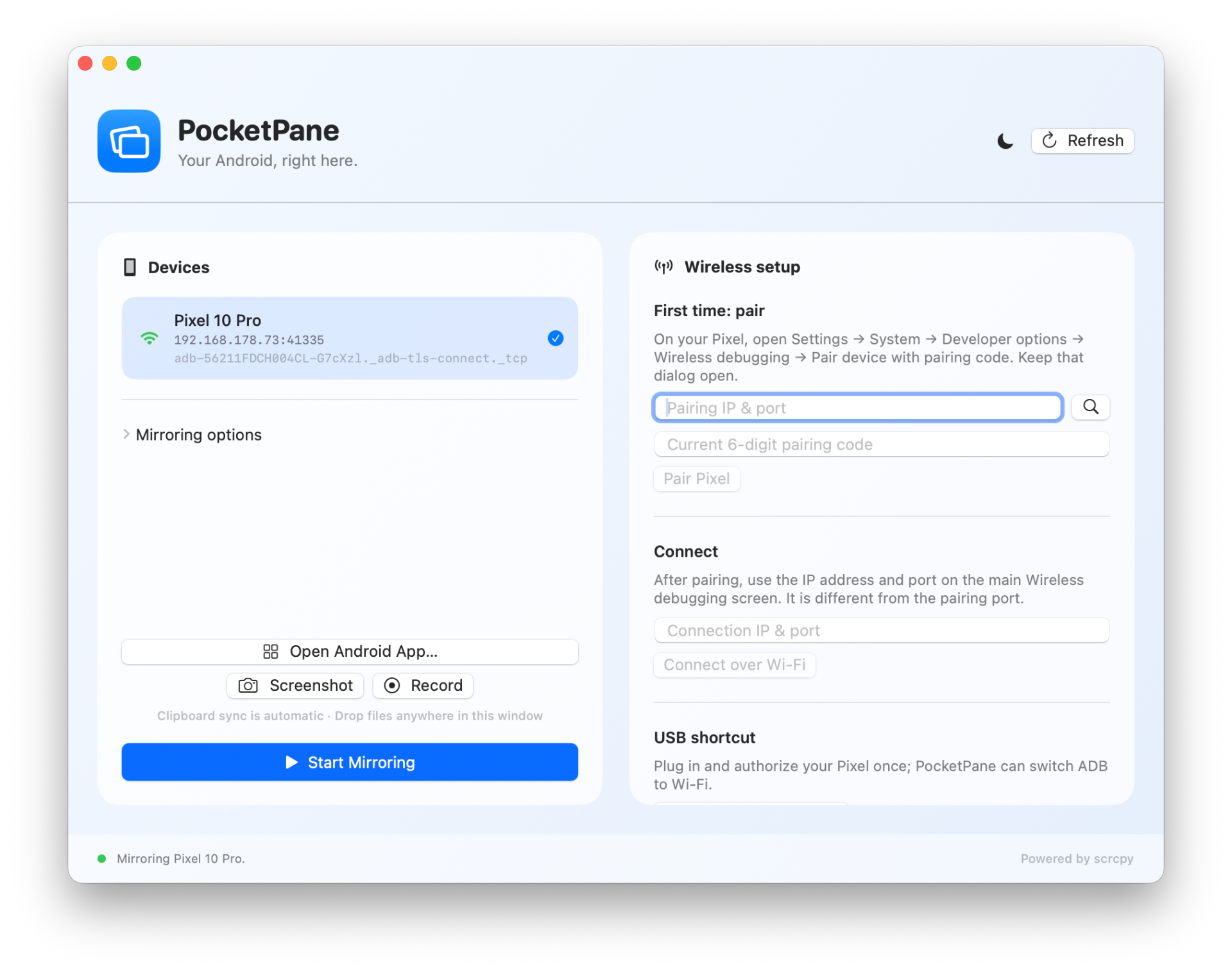
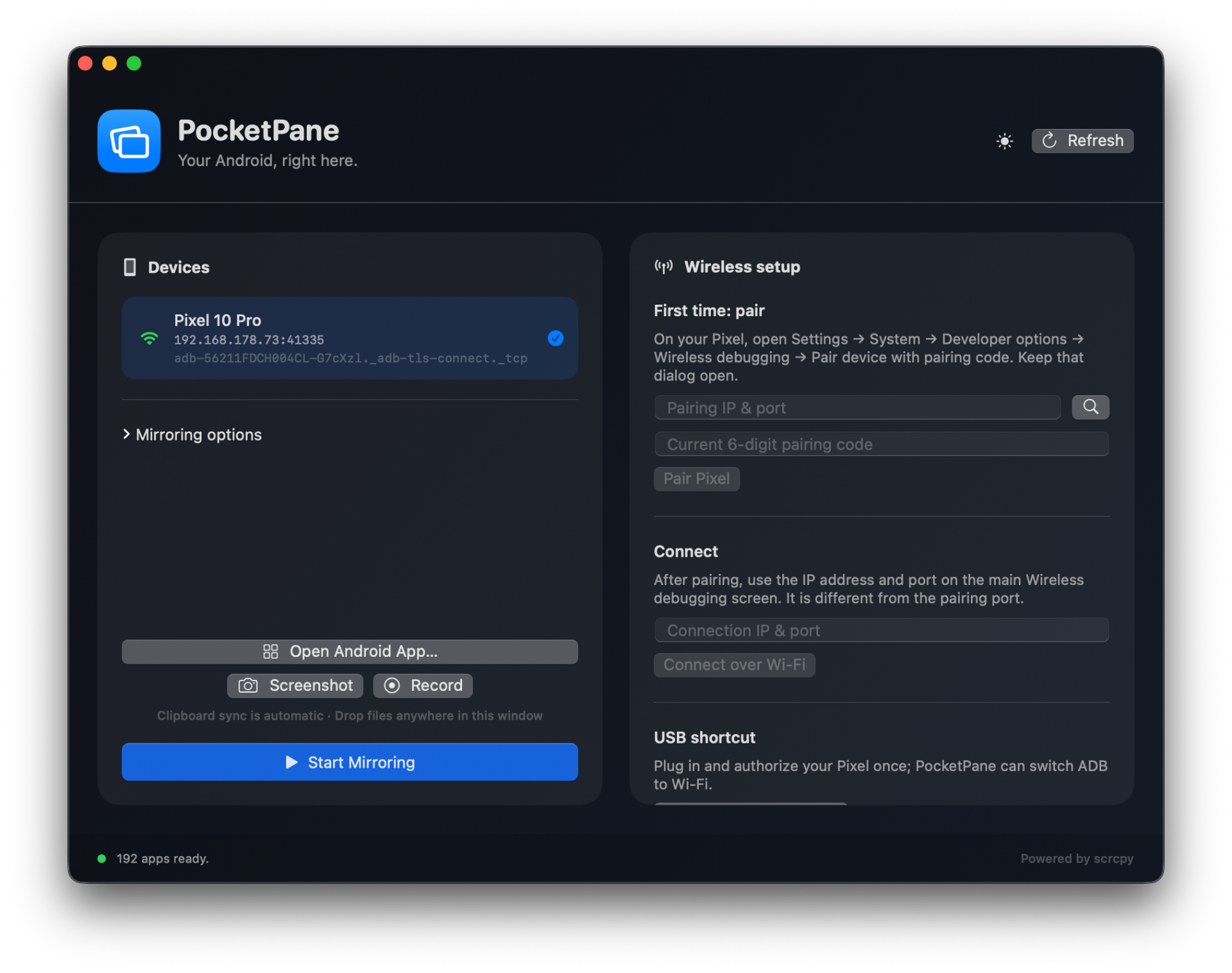
One window for your phone, one window per app. Everything is controllable from the Mac — in light or dark mode.
// download & install
Up and running in under a minute.
Grab the prebuilt app as a ZIP for macOS (Apple Silicon) or Windows (x64) — or scan the QR code to jump straight to the release. No Xcode, no terminal.
- 01
Requirements
macOS 14+ (Apple Silicon) or Windows 10/11 (x64). Android 11+ phone on the same Wi-Fi.
- 02
Download the ZIP
Pick the right package: PocketPane-0.2.0-macOS-arm64.zip or PocketPane-0.2.0-Windows-x64.zip.
- 03
Unzip & launch
macOS: drag PocketPane.app into your Applications folder. Windows: extract the ZIP and double-click PocketPane.exe (keep the bin folder next to it).
- 04
First launch (important)
PocketPane is not yet notarised with Apple/Microsoft, so your OS will block the first launch. macOS: right-click PocketPane.app → “Open”, or go to System Settings → Privacy & Security → Security and click “Open Anyway”, then confirm with your password or Touch ID. Windows: SmartScreen shows “Windows protected your PC” — click “More info” then “Run anyway”. See the FAQ for full details.
// scan · download · connect
Straight to the release
Scan with an iPhone or any camera app — opens the release page with the macOS and Windows downloads.
https://github.com/tobwil/pocketpane/releases/tag/v0.2.0// guide
Pair once, connected forever.
A single pairing is enough. After that your phone reconnects automatically whenever it's on the same Wi-Fi.
Step 01
Turn on Wireless Debugging on Android
Settings → System → Developer options → Wireless debugging. Turn it on and allow the current Wi-Fi network.
Step 02
Show the pairing code
Tap “Pair device with pairing code”. Keep the dialog with the 6-digit code open.
Step 03
Pair your phone in PocketPane
PocketPane detects the pairing address automatically. Enter the 6-digit code and click “Pair Pixel”.
Step 04
Start mirroring
Once connected, pick the device from the list and click “Start Mirroring”. Done.
Alternative: Plug the phone in via USB once and authorise ADB — after that a single click on “Enable wireless via USB” is enough.
// faq
Frequently asked questions.
What you should know before installing PocketPane.
Which Android phones are supported?
+
In principle any phone with Android 11 or newer and Wireless Debugging enabled in developer options. PocketPane is tested mainly with Google Pixel devices but also works with Samsung, OnePlus, Nothing and many others.
Do I need a USB cable?
+
Not after the initial pairing. For the first setup you can either pair fully wirelessly with the pairing code, or connect once over USB.
Is any data sent to the cloud?
+
No. PocketPane has no tracking, no account and no background server. Screen, audio, files and clipboard stay local between your computer and phone.
Why native apps instead of Electron?
+
Because native apps simply feel better: SwiftUI on macOS, WPF on Windows — faster performance, real system integration, light and dark mode, and a fraction of the memory footprint.
Is PocketPane open source?
+
Yes. The full source is available under the MIT license on GitHub. The build downloads scrcpy from the official source and verifies its archive via SHA-256 before bundling.
How do I forget a paired phone?
+
“Forget pairing” removes the stored wireless pairing data on your computer. On Android you'll find a matching option under Wireless Debugging.
Why does my Mac/PC block PocketPane on first launch?
+
Because the app isn't (yet) notarised with Apple or Microsoft. Notarisation requires an Apple Developer ID ($99/year) or a Windows code-signing certificate — as a free open-source project we don't have those right now. The full source is on GitHub, so you can always build and inspect PocketPane yourself. This is not a malware warning, it's simply the standard “unidentified developer” prompt. Once you allow the app manually, it will start normally every time after that. How to allow PocketPane: macOS – Method 1 (right-click): • In Finder, right-click (or Ctrl + click) PocketPane.app → “Open”. • Click “Open” again in the dialog that appears. macOS – Method 2 (System Settings): • Click the Apple logo () in the top-left and open System Settings. • Go to “Privacy & Security” on the left. • Scroll down on the right to the “Security” section. • Next to the note that “PocketPane” was blocked, click “Open Anyway”. • Confirm with your Mac password or Touch ID. Windows (SmartScreen): • On the “Windows protected your PC” prompt, click “More info”. • Then click “Run anyway”. • If Windows marks the file as “blocked”: right-click PocketPane.exe → Properties → tick “Unblock” at the bottom → OK.
Is the app signed?
+
The macOS build is ad-hoc signed and runs locally without issues; notarised distribution requires an Apple Developer ID. The Windows build is not yet code-signed, so SmartScreen may show a warning on first launch. See the question above for why and how to allow it anyway.
// support
Enjoying PocketPane?
PocketPane is free, open source and ad-free. If it saves you time, a coffee helps fund more development.
// ready when you are
Your Android on Mac or Windows — no detours.
Grab PocketPane, pair your phone once and work from your computer from now on. You can leave the cable, cloud and terminal in the drawer.